Screen recording on Wayland: what I learned building Reelix
Why you cannot capture the screen on Wayland "like on X11", and how the modern path works with xdg-desktop-portal, PipeWire and GStreamer in Rust.
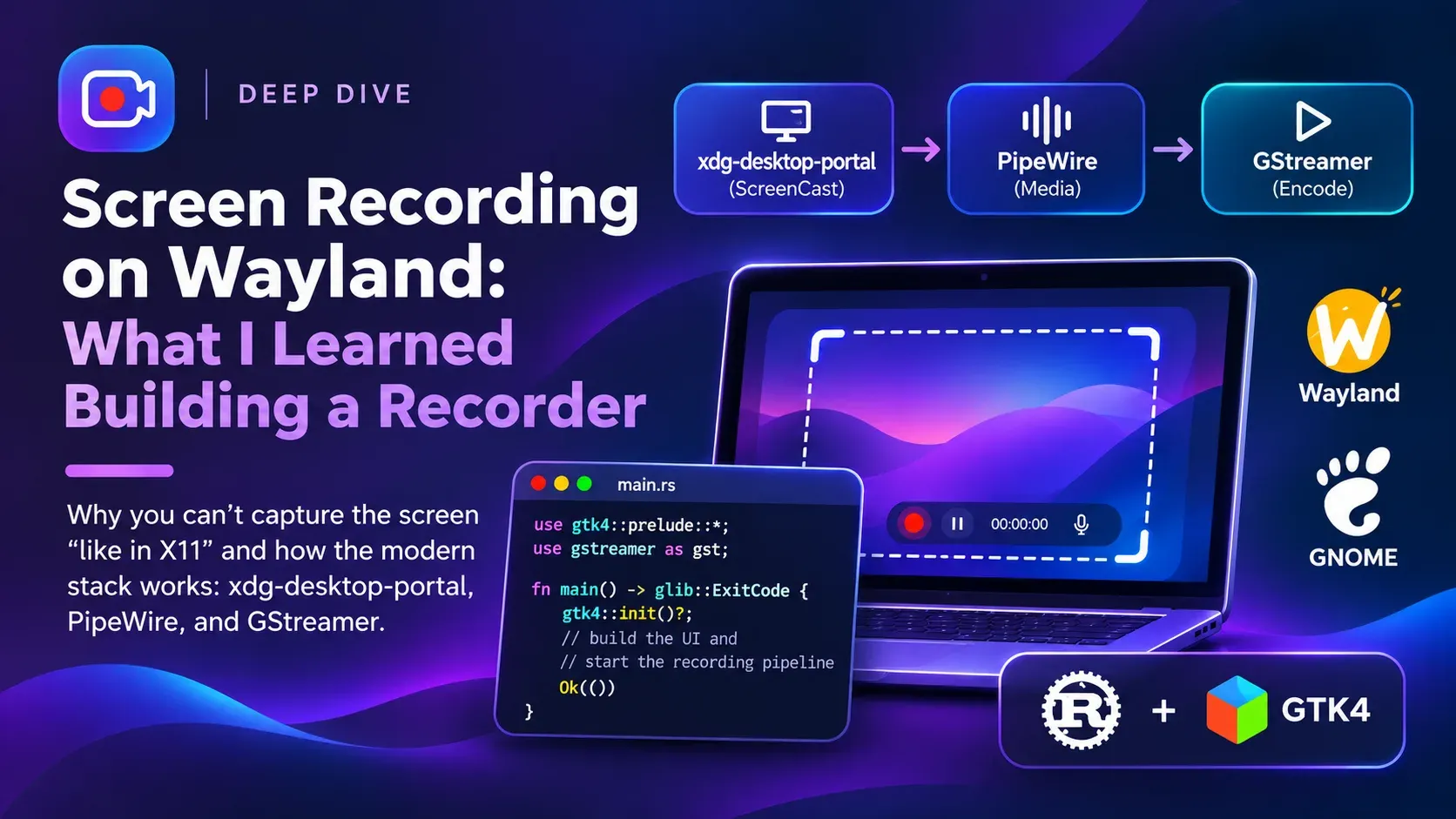
When I started Reelix, a native screen recorder for GNOME, I thought the hard part would be the UI. I was wrong: the hard part was understanding how screen capture works on Wayland. Here is what I learned.
On Wayland you cannot read the screen
On X11, any application could read the contents of the whole screen. Convenient, but also a security problem: any program could spy on what you were doing.
Wayland closes that door. An application only sees its own windows. If you want to record the screen you have to ask for permission, and the user decides, not your app.
The modern path: portal → PipeWire → GStreamer
The flow has three pieces:
- xdg-desktop-portal (
ScreenCastinterface): shows GNOME’s picker so the user can choose a monitor or a window. - PipeWire: once the user accepts, the portal hands you a PipeWire file descriptor and a
node_idwith the video stream. - GStreamer: the
pipewiresrcelement reads that stream, and from there you encode it however you want.
The nice part is that you never talk to the compositor directly. That is why it works the same inside Flatpak.
Requesting the screen with ashpd
In Rust I use ashpd, which wraps the D-Bus portals. Simplified, it looks like this:
let proxy = Screencast::new().await?;
let session = proxy.create_session(Default::default()).await?;

proxy
    .select_sources(
        &session,
        SelectSourcesOptions::default()
            .set_cursor_mode(CursorMode::Embedded)
            .set_sources(SourceType::Monitor | SourceType::Window)
            .set_multiple(false)
            .set_persist_mode(PersistMode::DoNot),
    )
    .await?
    .response()?;

let streams = proxy.start(&session, None, Default::default()).await?.response()?;
let node_id = streams.streams()[0].pipe_wire_node_id();
let fd = proxy.open_pipe_wire_remote(&session, Default::default()).await?;
One important detail: you have to keep the session alive while recording. If the user clicks “Stop” on GNOME’s indicator, the portal closes the session and your app has to react and finish the file properly.
The recording pipeline
With the fd and node_id I build the GStreamer pipeline:
pipewiresrc → videoconvert → videoscale → videorate → queue
→ H.264 encoder → h264parse → mp4mux → filesinklet source = gst::ElementFactory::make("pipewiresrc").build()?;
source.set_property("fd", fd.as_raw_fd());
source.set_property("path", node_id.to_string());
source.set_property("do-timestamp", true);
source.set_property("keepalive-time", 1000i32);What the tutorials don’t tell you
GNOME only sends frames when something changes. If the screen is still, no frames arrive, just a keepalive every second. So the video comes out with a variable frame rate, and I use videorate only to drop frames (never to duplicate them). The CPU barely works while the screen is idle.
A queue that cannot grow forever. If the encoder falls behind, I would rather lose a frame than watch RAM explode. That is why the queue is leaky and bounded.
Fragmented MP4 while recording. A regular MP4 writes its index at the end; if the app crashes, you lose everything. I record in one-second fragments and, when done, remux (without re-encoding) into a regular faststart MP4, the most compatible format for browsers and editors.
Pausing without pausing. My first version switched the pipeline to PAUSED and back to PLAYING. In GNOME 50’s Flatpak runtime, pipewiresrc did not recover. The fix was to keep the sources running and put a “gate” (a pad probe) before the encoder: it drops buffers while paused and then subtracts the paused time from the timestamps. The video has no gaps and the audio stays in sync.
The encoder depends on the distro. I try hardware VA-API first (vah264lpenc, vah264enc), then x264enc, and finally openh264enc, which is what stock Fedora ships without extra repos.
Conclusion
Wayland is stricter, but the portal model is better: the user decides what to share and your app works the same on any desktop that implements the portal. If you want to see the full code, Reelix is open source.