My VPS as a deployment platform: Hetzner + Coolify + Cloudflare
How I built my own "mini Vercel": a hardened Ubuntu server, containerized apps with Coolify, DNS and TLS with Cloudflare, and monitoring with Uptime Kuma.
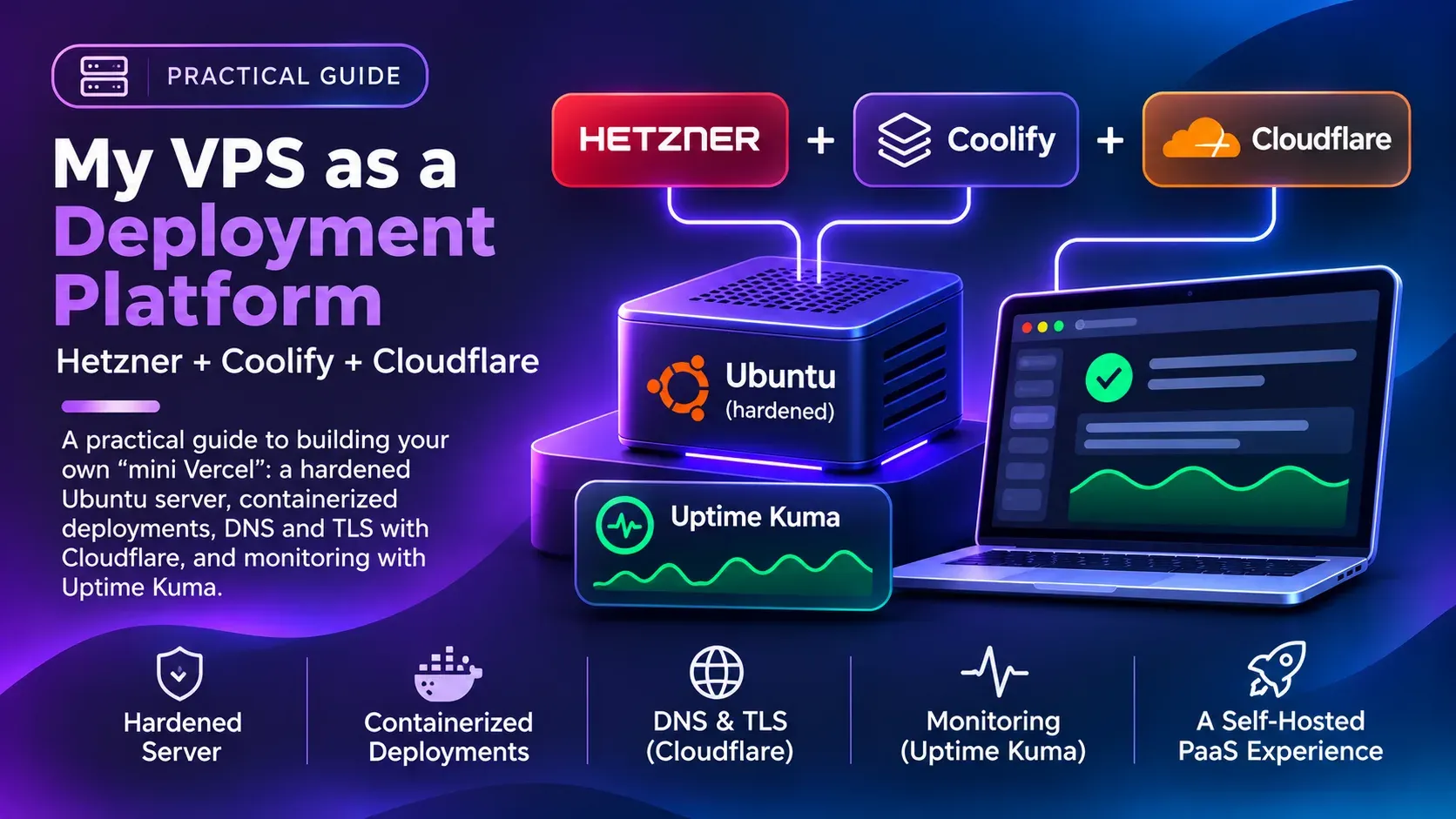
PaaS platforms like Vercel or Railway are great until you have several projects with databases, workers and a few internal tools: the bill grows fast. That is why I run a VPS on Hetzner as my deployment platform. Here is how I set it up.
The architecture
- Hetzner: a VPS running Ubuntu Server.
- Coolify: a self-hosted PaaS. It deploys from Git and manages containers, databases and certificates.
- Cloudflare: DNS, proxy and TLS at the edge.
- Uptime Kuma: tells me when something goes down.
1. Harden the server
Before installing anything, the basics. Create a sudo user (with a name that is not obvious) and log in with an SSH key only:
adduser <user>
usermod -aG sudo <user>
# from your machine:
ssh-copy-id <user>@<server-ip>
In /etc/ssh/sshd_config:
PermitRootLogin no
PasswordAuthentication nosudo systemctl restart ssh
sudo apt install unattended-upgrades fail2ban -yWatch out for the firewall and Docker. Docker writes its own iptables rules, and published ports bypass ufw. That is why I prefer Hetzner’s Cloud Firewall, which filters traffic before it reaches the server. The rule is simple: open only what is essential (HTTP, HTTPS and SSH, ideally restricted to your IPs).
2. Install Coolify
Coolify installs with a single script:
curl -fsSL https://cdn.coollabs.io/coolify/install.sh | sudo bashOnce it finishes, open the dashboard, create your account and connect GitHub. From there each project is an “application”: you pick the repo and branch, and Coolify builds the image (with Nixpacks or your Dockerfile) and deploys it on every push.
Databases (PostgreSQL, Redis…) are also created from the dashboard, with scheduled backups.
Once you have a domain, put the dashboard behind it and close the direct-access port in the firewall.
3. Cloudflare: DNS and TLS
In Cloudflare I point an A record to the server with the proxy enabled (orange cloud), and under SSL/TLS I choose Full (strict). Coolify uses Traefik, which gets Let’s Encrypt certificates for each domain, so traffic is encrypted end to end.
Bonus: with the proxy enabled, the server’s IP is not exposed in DNS, and you get caching and DDoS protection for free.
4. Monitoring with Uptime Kuma
Uptime Kuma is also deployed from Coolify as just another service. I add an HTTP monitor per project and get notified if anything stops responding. I don’t need more than that.
Internal tools
One advantage of having your own server is hosting tools for yourself. I run:
- Stirling PDF, with Spanish OCR, to merge, sign or convert PDFs without uploading them to random websites.
- Excalidraw, for quick diagrams.
Is it worth it?
For me, yes. I pay a fixed monthly price for a server that hosts several projects, and I learned a lot about Linux, networking and Docker along the way. In exchange, maintenance is on me: updates, backups and keeping an eye on monitoring.
If all you have is a static landing page, stick with Vercel. But if you have several backends, Coolify on a VPS is a great option.